Sheet S-402 · Site office
GHL Dashboard Design for the Site Office
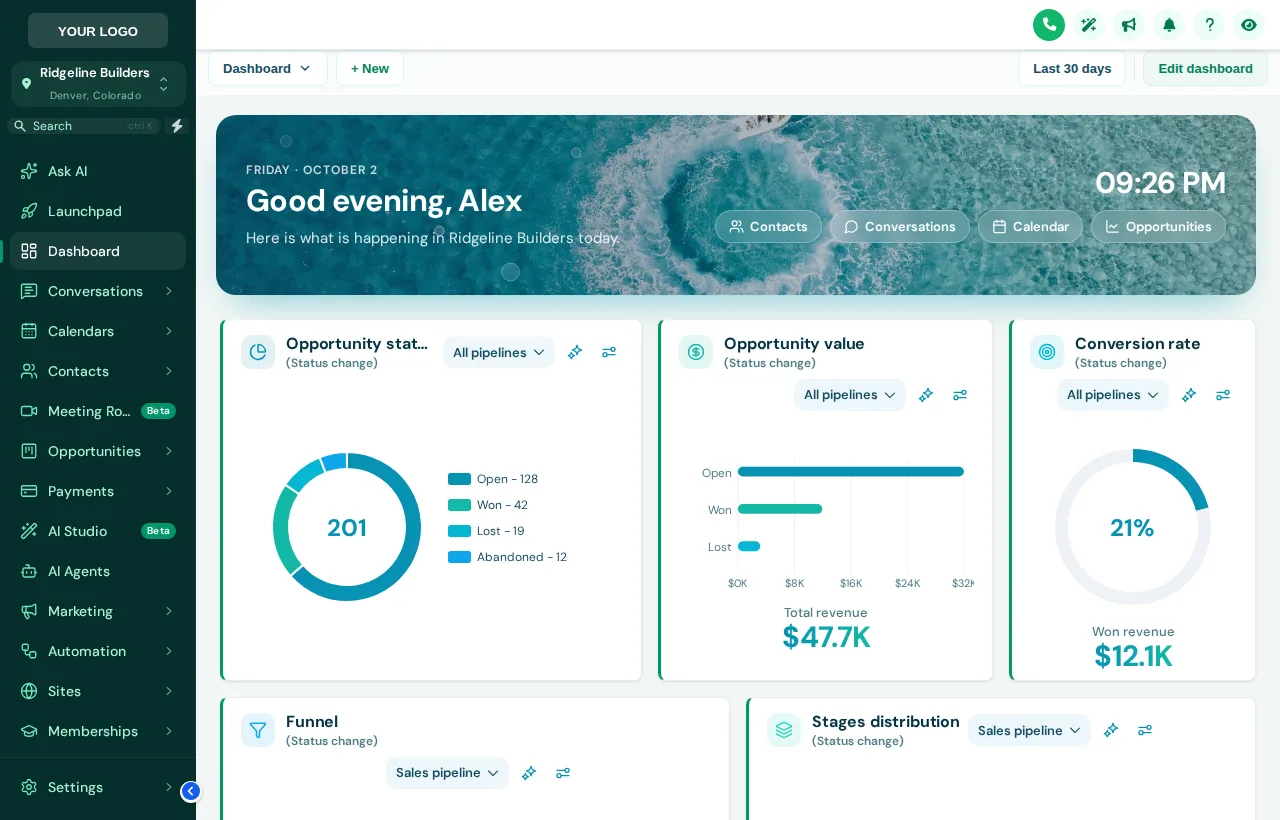
A GHL dashboard design restyles the sub-account dashboard with a welcome banner that greets each user by name, a live clock, quick links, branded cards and chart colors. Choose from 18 templates, light, dark or photo, in the dashboard designer that comes with Framework.
Try Every Dashboard Design
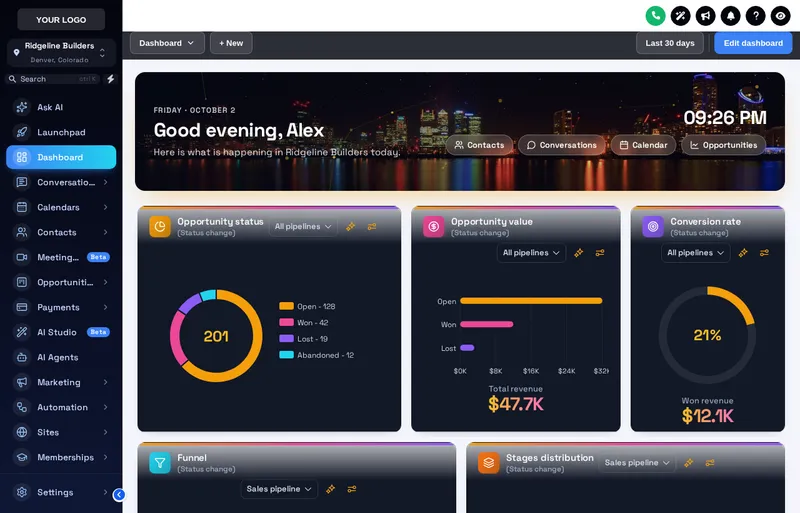
Opens on Lagoon with the Forest sidebar. Switch between photo, light and dark, and try Midnight or Deep Space on the sidebar.
Loading the live preview
Lagoon Each chip is one of the real dashboard templates applied to a copy of the GoHighLevel dashboard. The clock is live and the banner greets the signed-in user.
What Does the GHL Welcome Banner Show?
Greeting with a first name
"Good morning, Mike" for the signed-in user, and the sub-account name underneath: "Here is what is happening in Ridgeline Builders today."
Date and live clock
The date and a running clock, so the office sees the day at a glance before the 8 am call list.
Quick links
Contacts, Conversations, Calendar and Opportunities, one click from the banner. Each can be switched off.
Photo, gradient, glass or minimal
6 designs are built around a photo; swap in a shot of your own finished work and set the shade so the text stays readable.
Your Stages Get Colors in Order
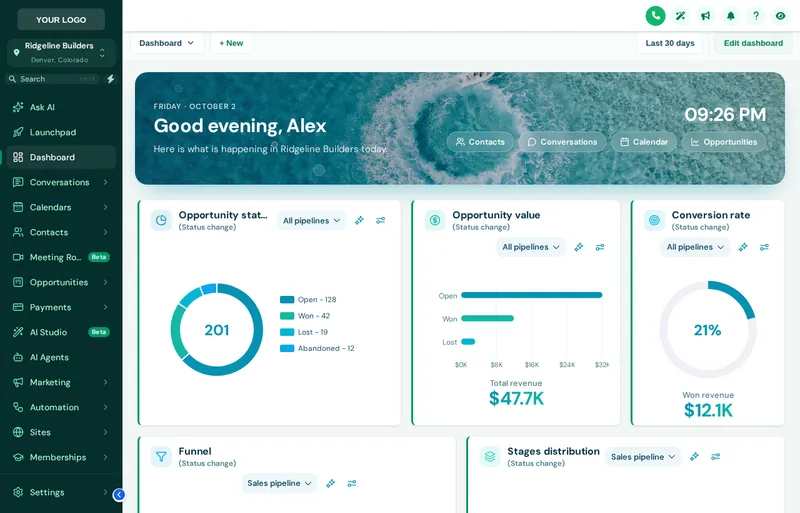
Charts hand out colors by stage position, not stage name. A construction pipeline like the one below gets a color for every column, whatever you call them.
- 1. New inquiry
- 2. Site visit booked
- 3. Estimate sent
- 4. Contract signed
- 5. In progress
- 6. Punch list
Lagoon, City Nights and Emerald
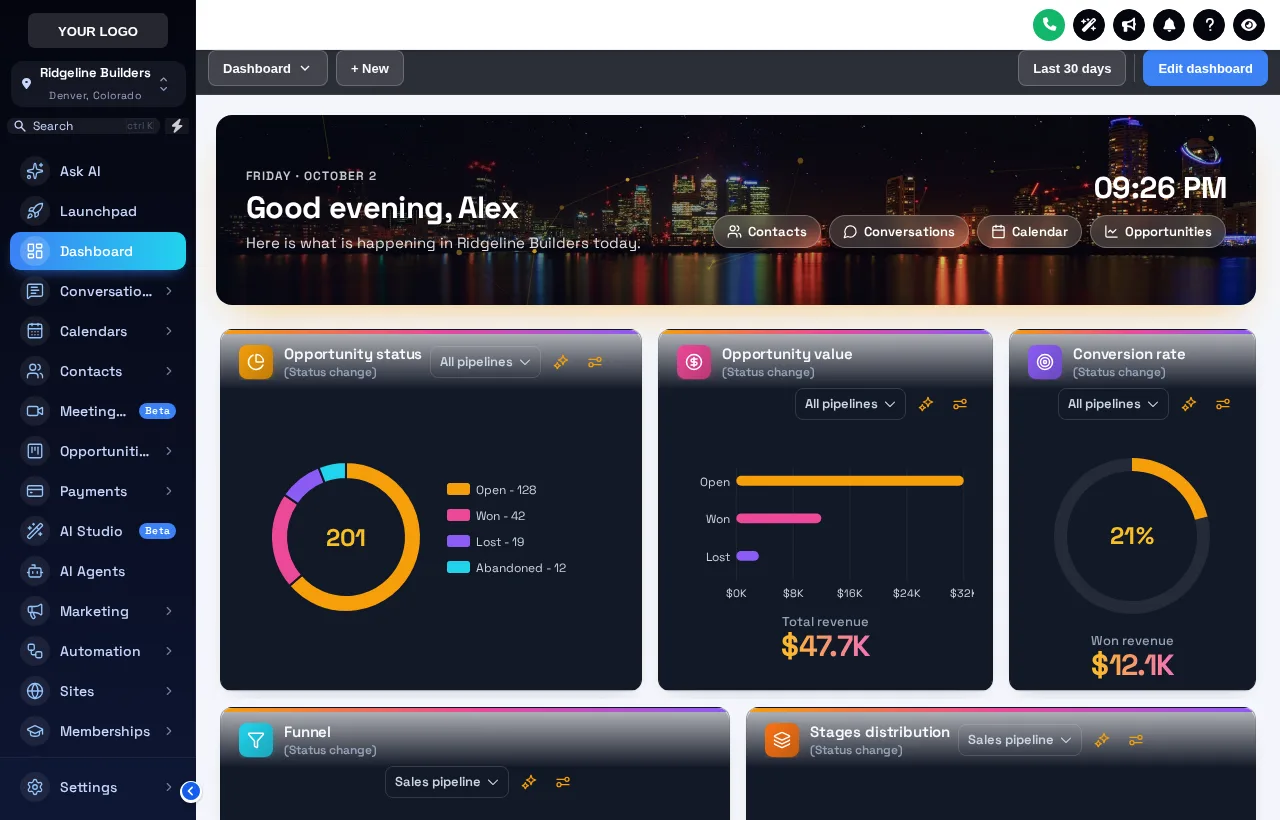
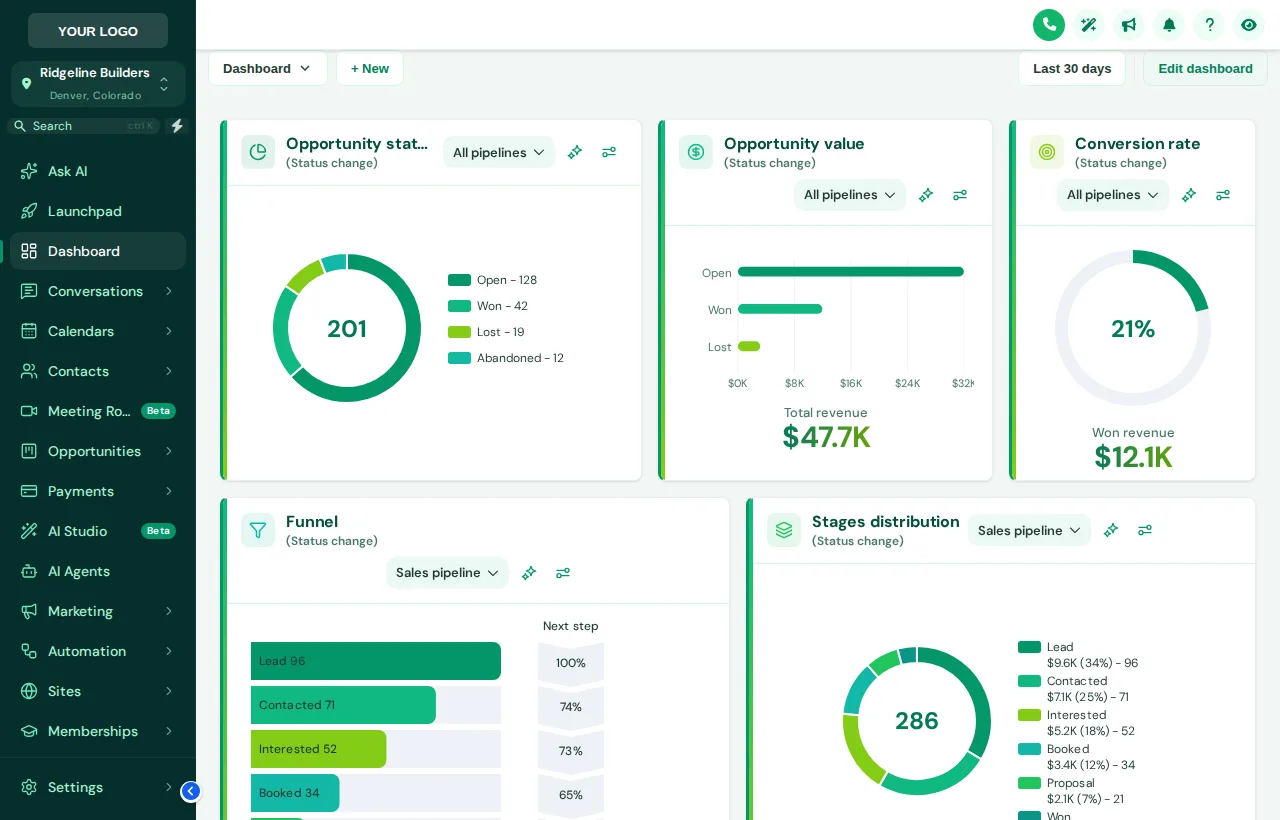
Dashboard designer is unlocked in the Framework account and every package above it. Framework is $597 one-time for lifetime access, and the login is emailed within minutes of payment (at most 24 hours). You set it up yourself in the live editor.
Get FrameworkThree Steps to a New Dashboard
Pick a design
Light, dark or photo: 18 templates. The preview opens on Lagoon.
Write the banner and set the colors
Banner title and subtitle, photo, particles, card style and chart colors built from your brand color.
Save
Every sub-account dashboard picks it up on its next page load, through the loader already installed.
Dashboard Design Questions
What changes on the dashboard, what never does, and how the colors work.
Can you customize the GoHighLevel dashboard?
Yes. The customizer restyles the sub-account dashboard: a welcome banner, card styles, chart colors, numbers, top bar and background. There are 18 designs to start from in the dashboard designer, unlocked from Framework.
Which dashboard does it change?
The sub-account dashboard, the page each sub-account opens on after sign-in. The design covers its cards, charts, numbers, top bar, background and the banner above the widgets.
Does it change the widgets or the numbers?
No. It only changes how the dashboard looks. The widgets, their data and GoHighLevel’s own dashboard settings stay as they are.
Will chart colors work with my own pipeline stages?
Yes. Colors are given out by position: first color for the first stage, second for the next, and so on. They fit any pipeline and any number of stages without naming them.
What does the welcome banner show?
A greeting with the signed-in user’s first name, the sub-account name, the date, a live clock and quick links to Contacts, Conversations, Calendar and Opportunities. The wording can change and the clock and links can be switched off.
Can I use a photo of my own projects?
Yes. Photo designs take your own image, uploaded or linked, with a shade setting so the text on top stays readable.
Are there dark dashboards?
Yes, 5: Midnight Neon, Obsidian Gold, Cyber Grid, Northern Lights, City Nights.
Does it work with my theme?
Yes. The dashboard design sits on top of the theme, so the sidebar and header keep their look. Use the Sidebar chips in the preview to try combinations.
Do the particles slow the page?
They are light, run only while the dashboard is open, and stop when you leave the page.
Next sheets in the set
Ready to break ground
Fit Out the Site Office
Framework unlocks the dashboard designer, the pipeline designer, the menu builder and the contact actions bar. One-time price, lifetime access, login in minutes.
Card payment through Stripe. Your login arrives by email within minutes (at most 24 hours).
Drawing index
Every sheet in the GHL Dashboard Customizer set. Each one has its own live preview.
GoHighLevel and HighLevel are trademarks of HighLevel, Inc. Construction Snapshot for GHL is an independent team and is not affiliated with, endorsed by or sponsored by HighLevel, Inc. The customizer changes how GoHighLevel looks in the browser; it does not change your contacts, pipelines, workflows or settings. We never ask for your GoHighLevel login.